

Top 3 Office Desks for Multiple Monitors

Managing a business, editing creative content, or running a live stream usually means one screen just doesn’t cut it anymore. When you transition to a dual or triple-monitor setup, your digital real estate expands dramatically, but so does the physical demand on your workspace.
In this guide, we are diving deep into how to design a high-performance, beautiful workspace that gives your tech room to breathe while keeping your daily workflow incredibly smooth and inspiring.
Why Your Office Desk Matters
It’s easy to think of a desk as just a flat surface to hold your computer, but anyone who spends hours creating, planning, or gaming knows it’s much more than that. Your office desk is the literal foundation of your entire home office. When you start adding multiple screens, heavy monitor arms, external audio interfaces, and keyboard trays, a generic or flimsy table will quickly show its limits.
A cramped desktop leads to physical clutter, and physical clutter quickly translates into mental fatigue and friction. Choosing a spacious, rock-solid surface ensures you aren't constantly moving your mouse into your coffee mug or struggling to find an angle where your screens don't block your view. Ultimately, investing in the right surface is about creating a dedicated environment where you actually want to spend time: a beautiful, organized space that actively fuels your focus and shields you from daily distractions.
Our Top Picks For Best Gaming Desks for Multiple Monitors
To help you curate a workspace that feels uniquely yours without sacrificing heavy-duty utility, we have rounded up three premium options engineered to handle multi-screen setups seamlessly.
-
The Ultimate L-Shaped Corner Workstation
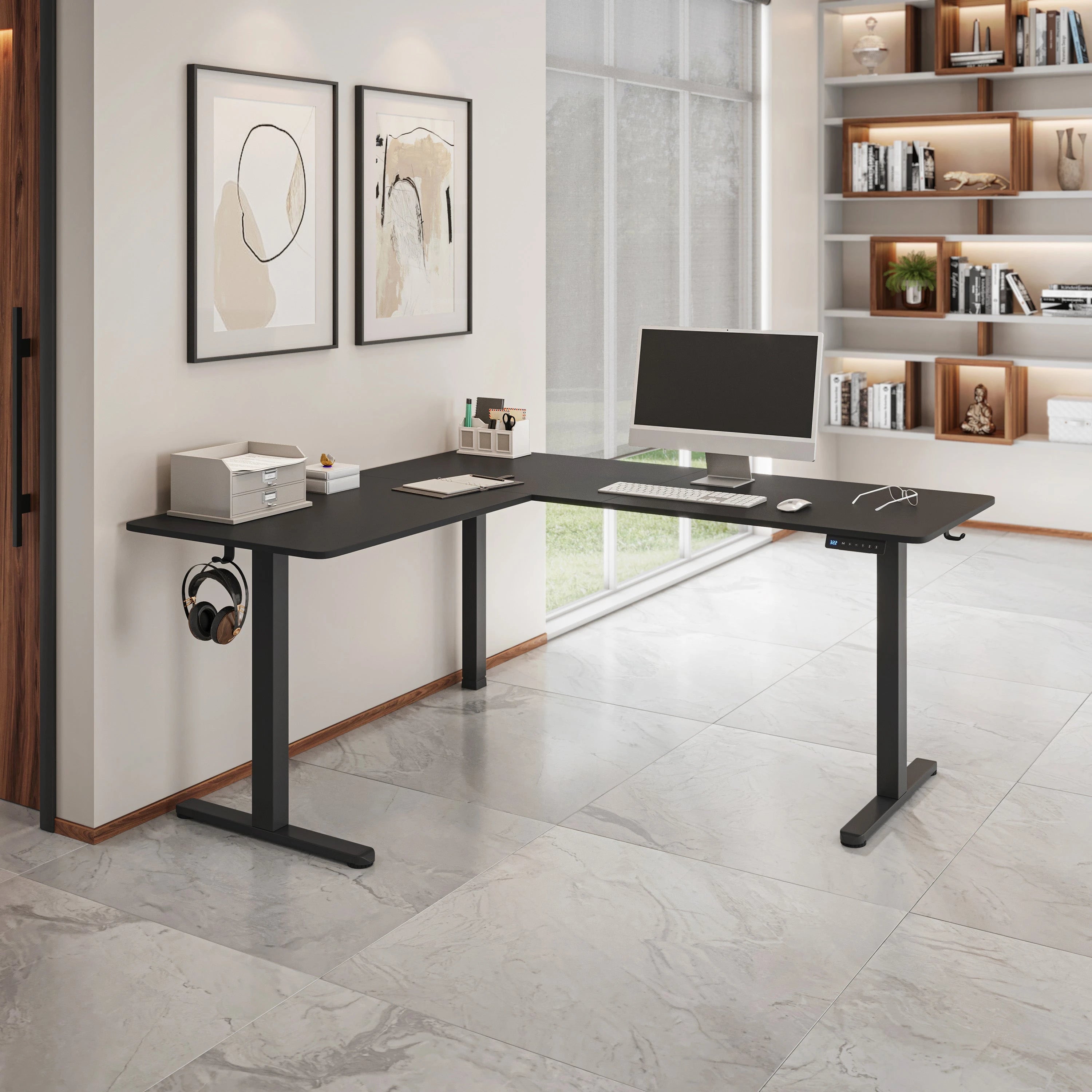
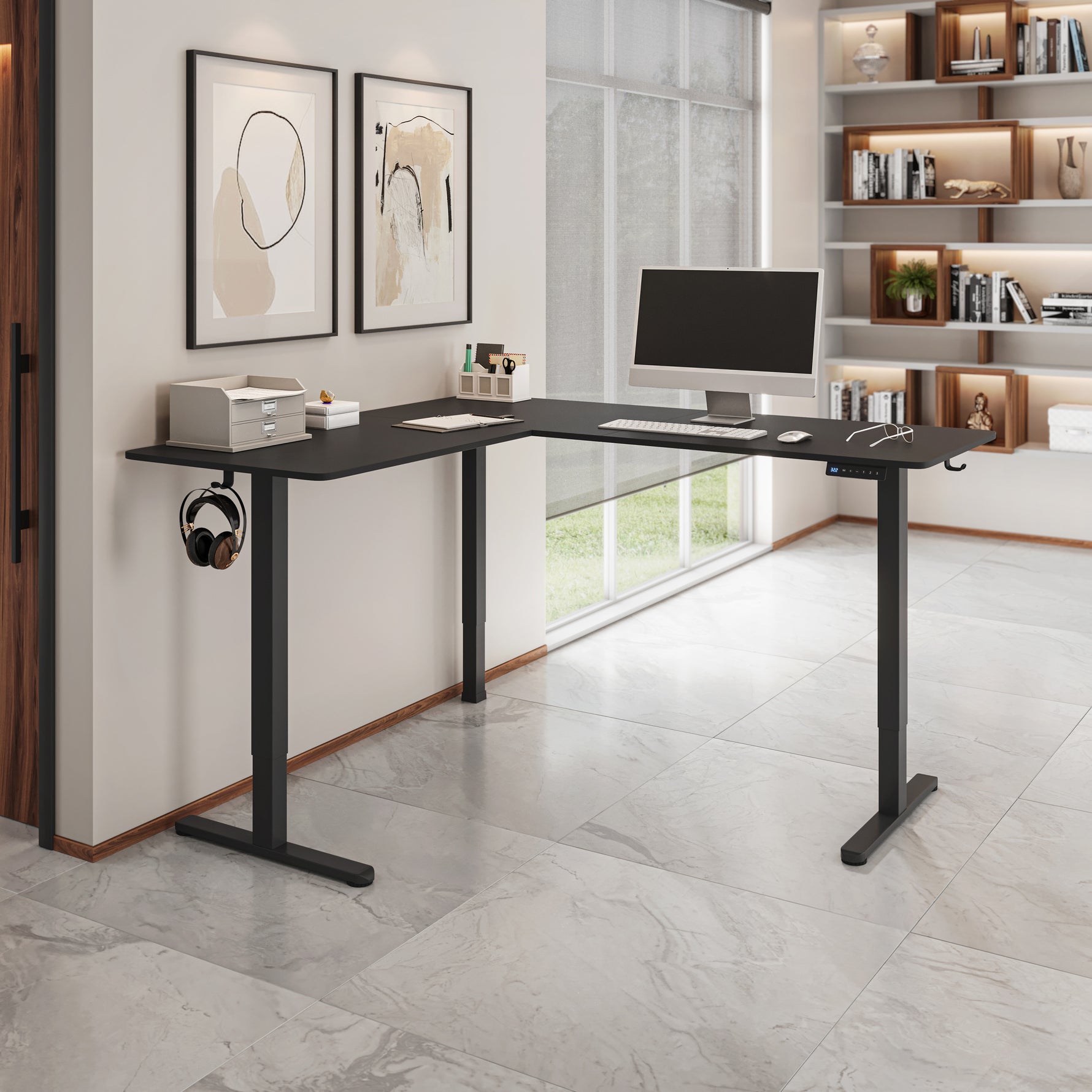
When you need maximum surface area to spread out your gear, an L-shaped layout is the gold standard. For example, the Functional L-Shape Desk with Storage. This design allows you to dedicate one entire side to your primary multi-monitor layout, leaving the secondary wing completely free for your tablet, physical planners, or decorative elements like plants and desk pets. It tucks perfectly into corner spaces, making even smaller rooms feel like an executive creative studio.
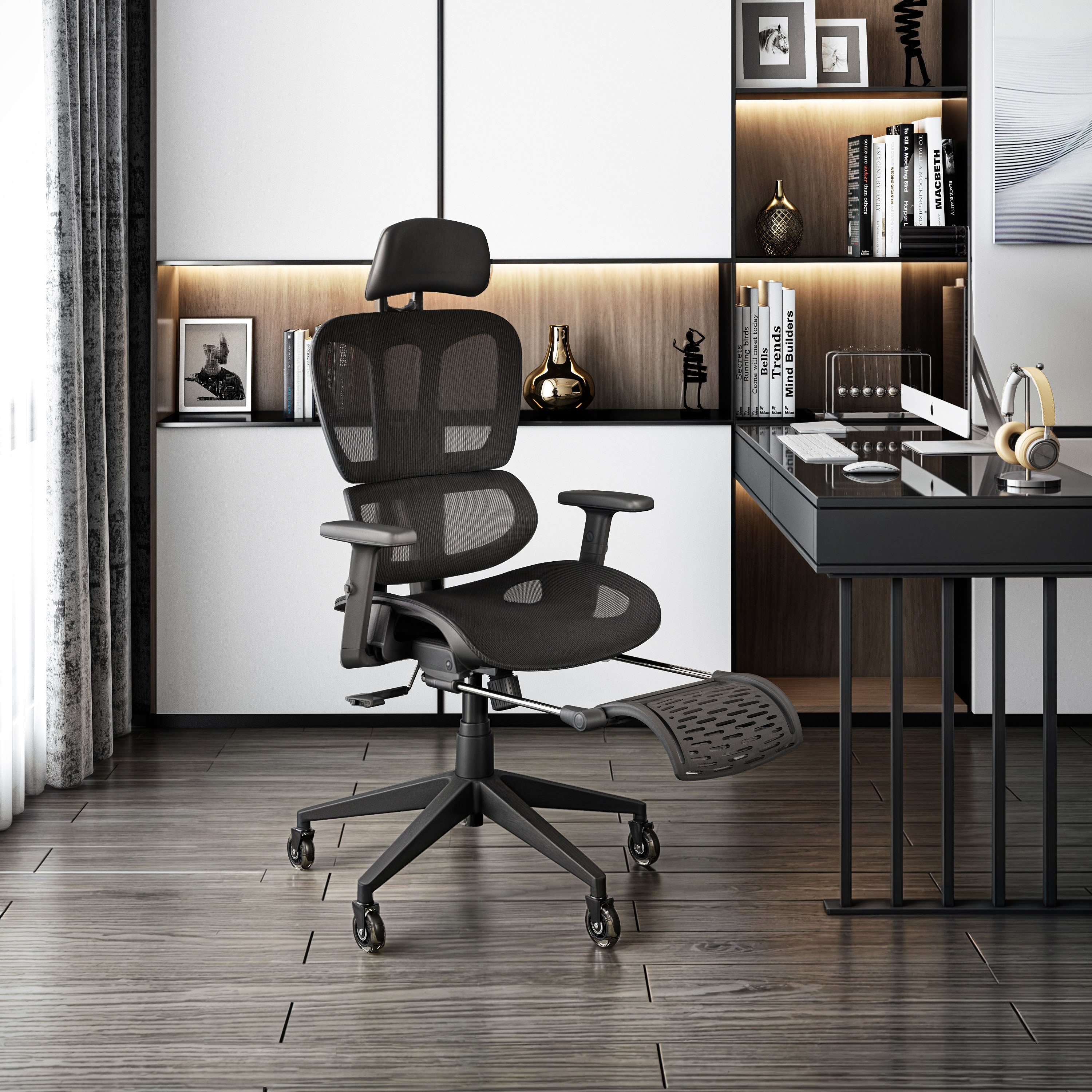
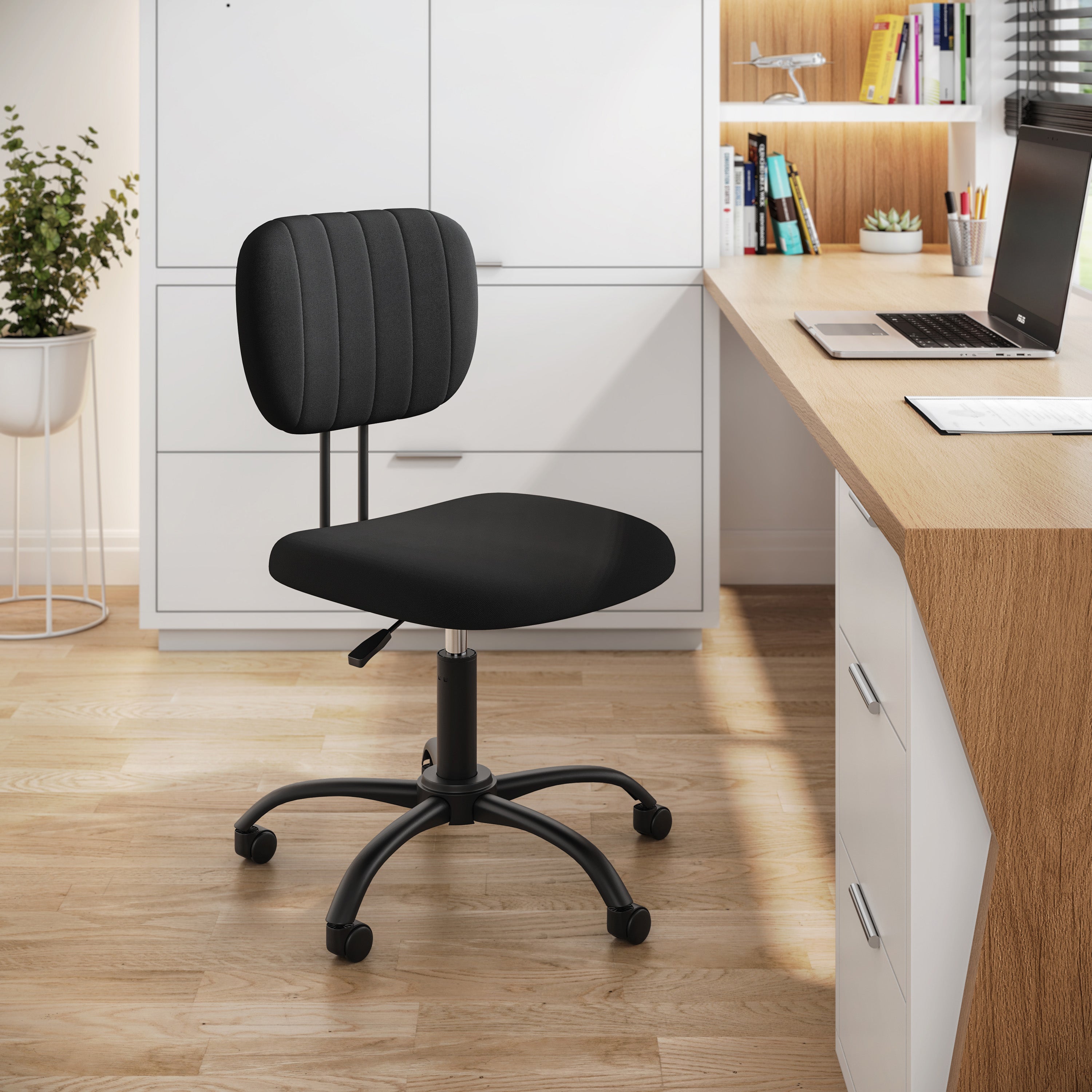
Pair this expansive setup with the Modern High-Back Mesh Executive Office Chair With Headrest And Flip Up Arms to keep your posture aligned when pivoting between screens.
-
The Modern Minimalist Workstation with Storage
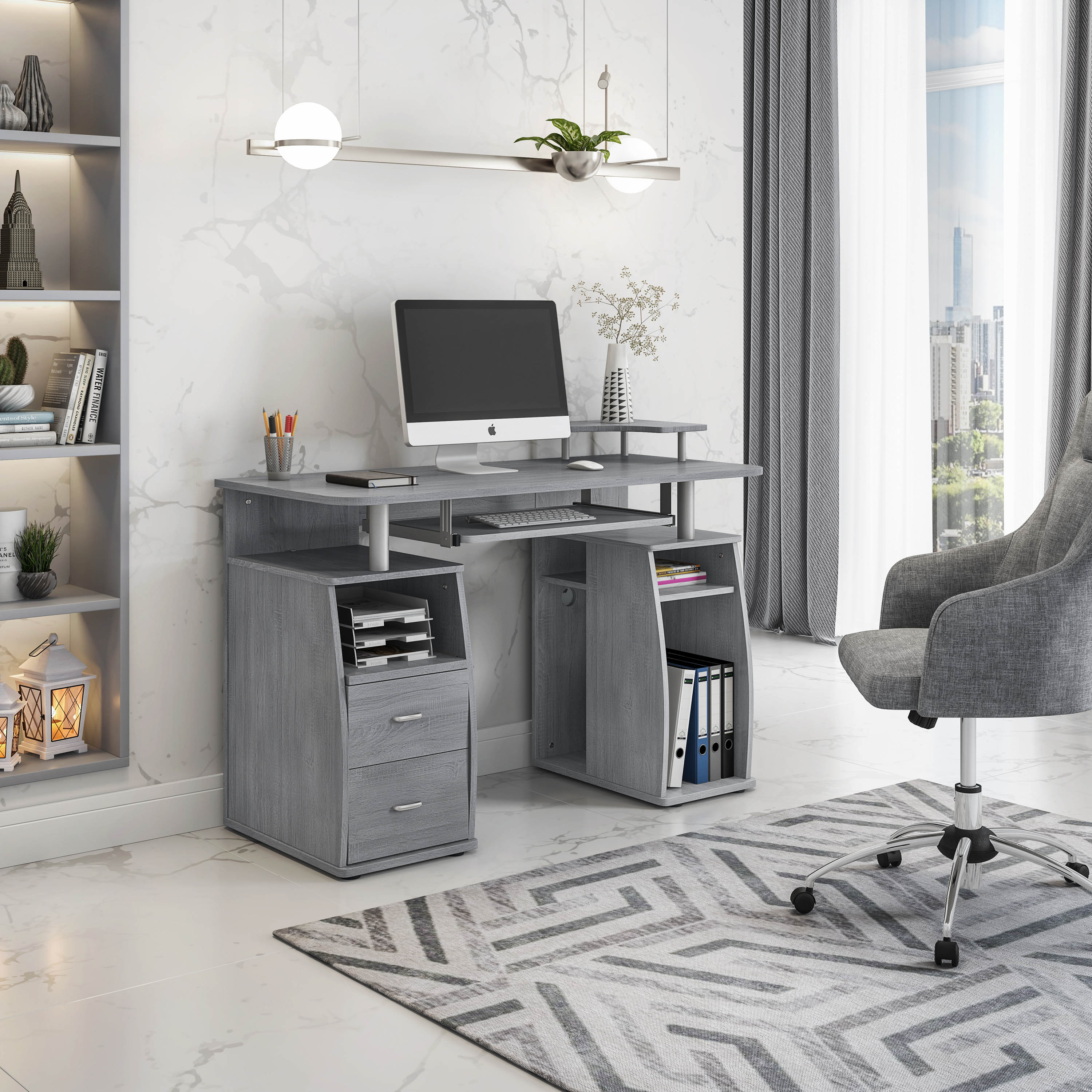
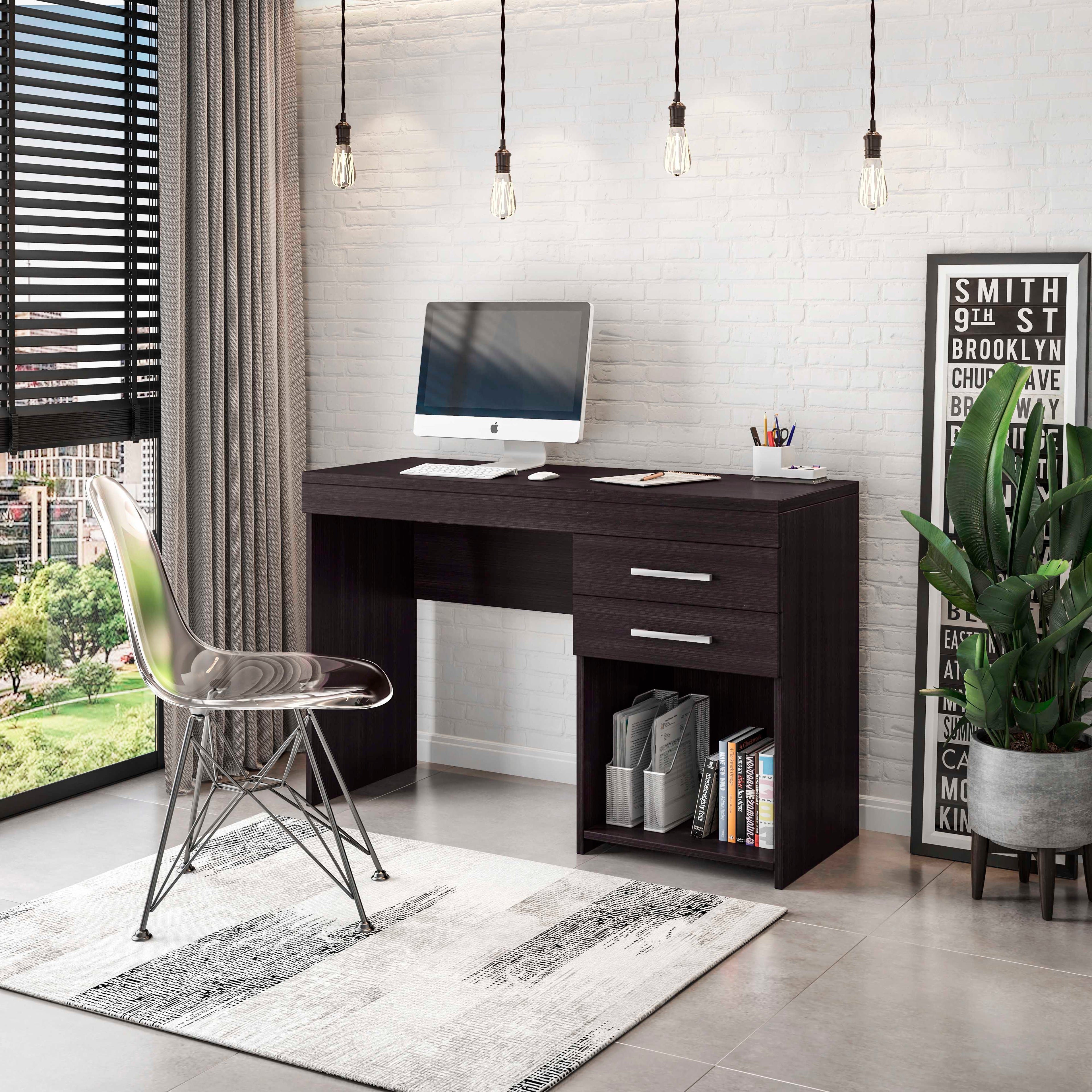
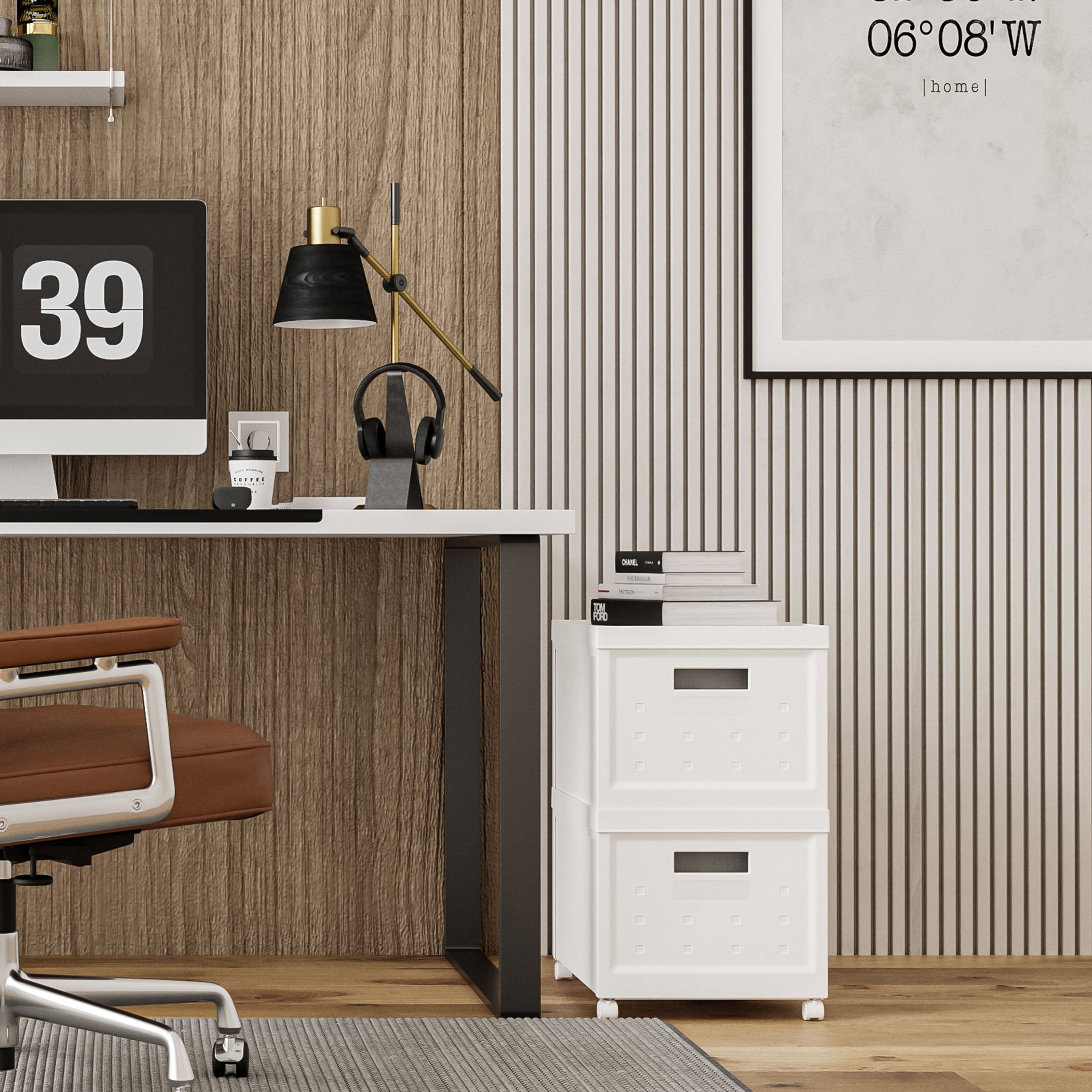
If you love a clean, photogenic workspace that looks stunning on camera, a streamlined modern desk like the Computer Desk With Ample Storage is a lifesaver. Featuring built-in drawers, this setup allows you to keep your main desktop completely bare except for your dual monitors and keyboard. You can effortlessly stash away loose cables, hard drives, and stationery to maintain a pristine aesthetic.
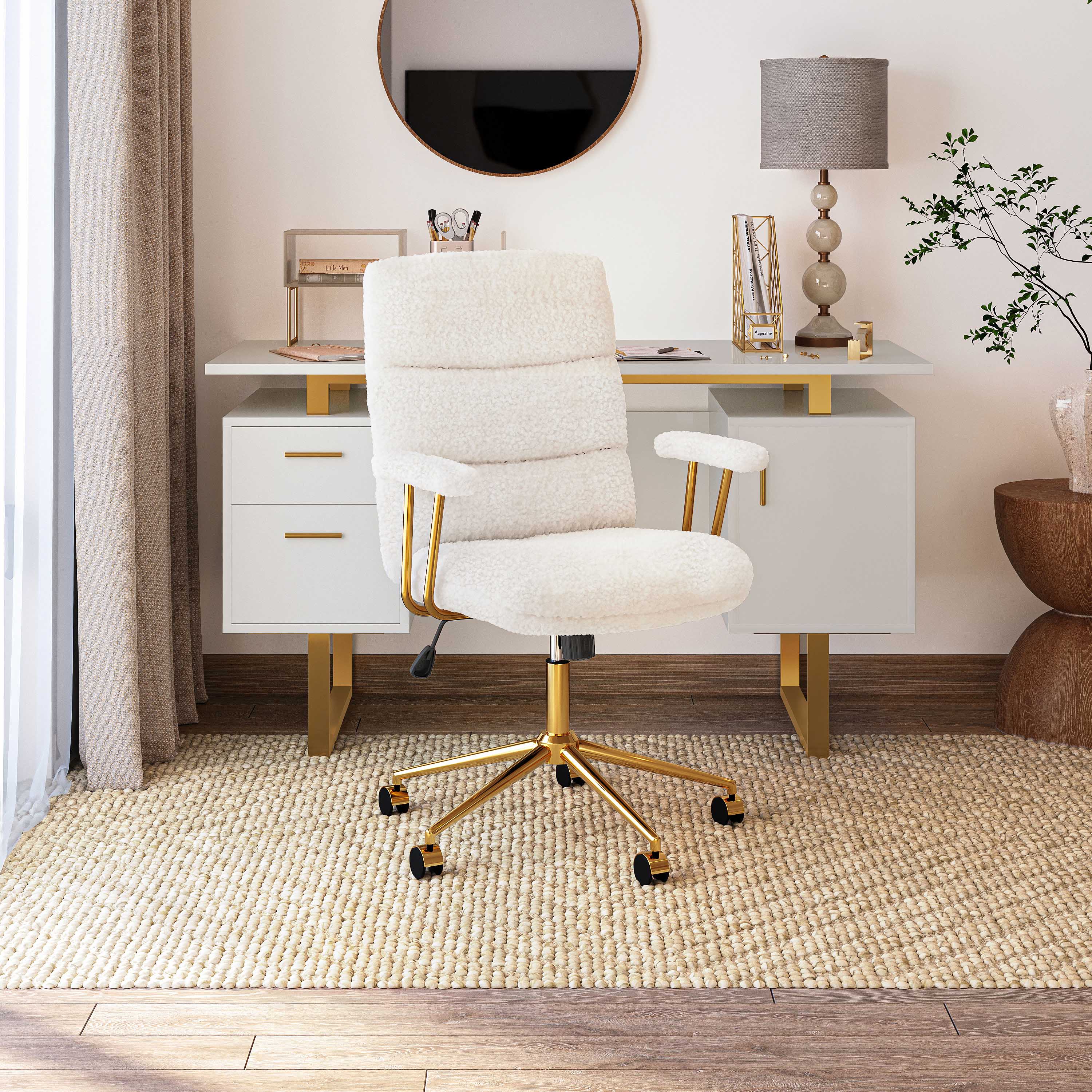
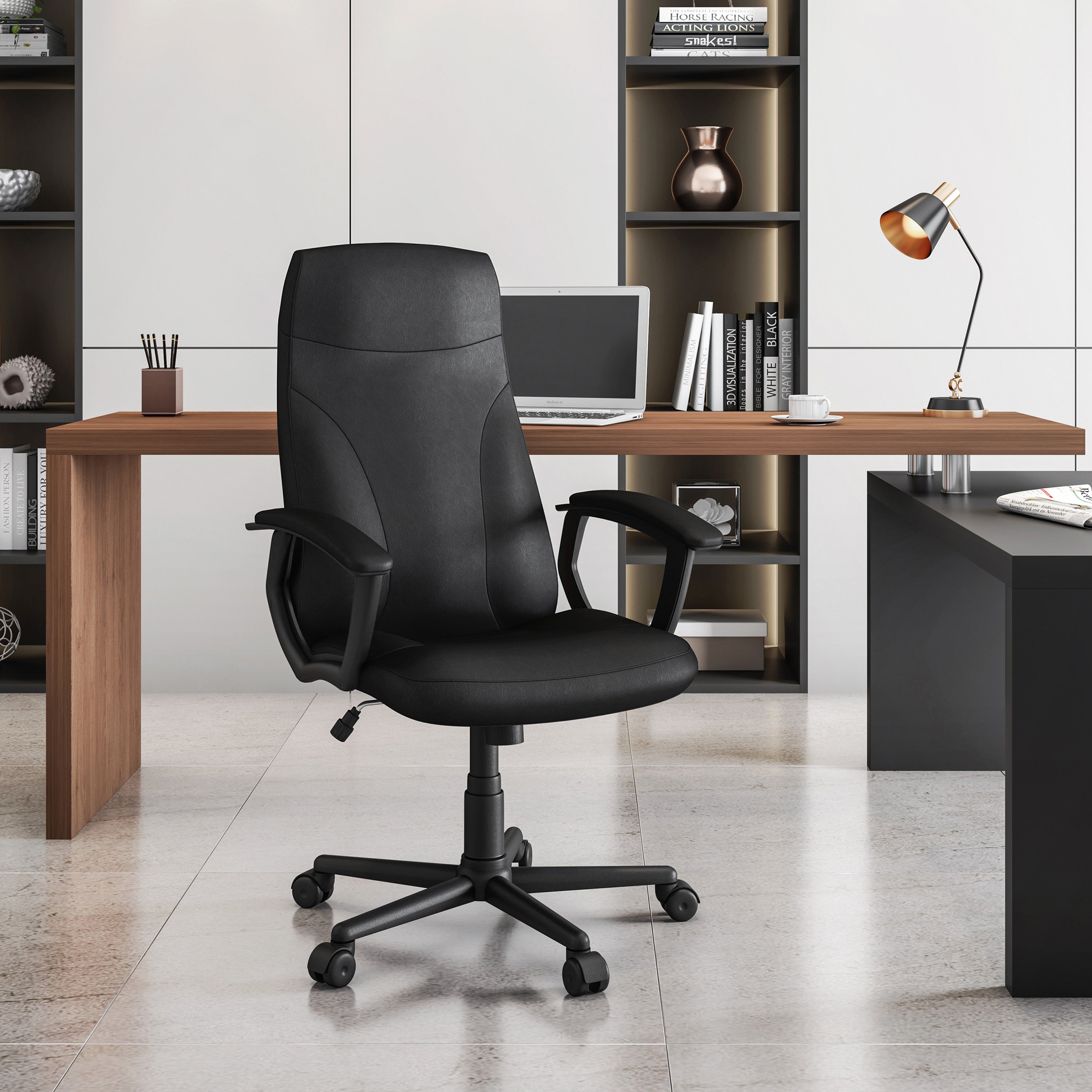
Complete this clean look with the Modern Medium Back Executive Office Chair for a cohesive, professional aesthetic.
-
The Heavy-Duty Executive Workstation
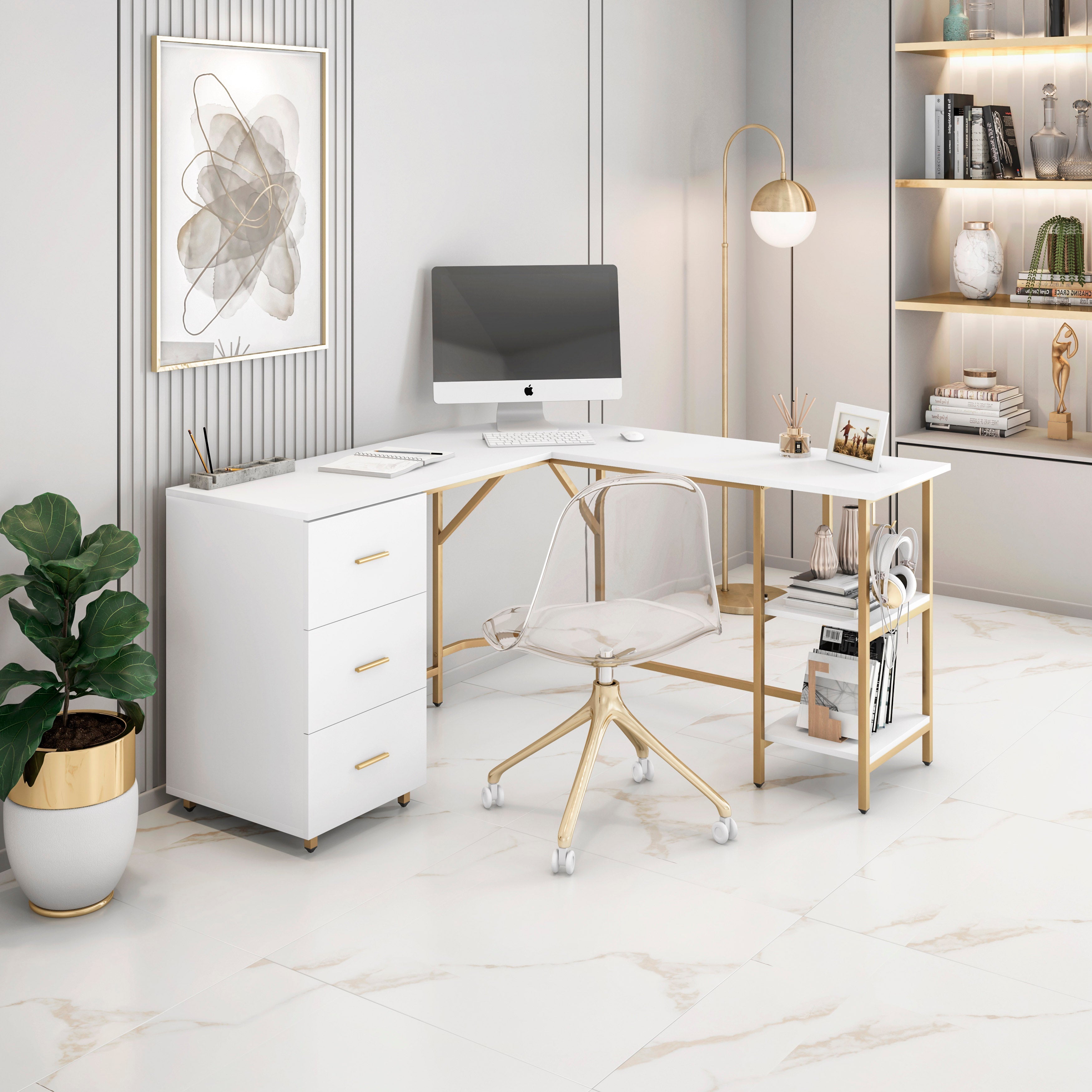
Built specifically for power users, creators, and entrepreneurs who use heavy-duty dual monitor mounts, this style of desk emphasizes structural reinforcement. A prime concrete example is the Reversible L-Shape Computer Desk with Drawers and File Cabinet. This L-shaped desk is an exceptional choice due to its expansive surface area, which provides ample room for multiple screens while maintaining an efficient workflow. The clever corner design allows you to position your monitors in an ergonomic arc, ensuring all displays are perfectly aligned for comfortable viewing during extended work sessions. Furthermore, the integrated storage, including drawers and a dedicated file cabinet, helps keep your desktop completely clutter-free, providing a clean, professional foundation for your high-performance station.
Elevate your comfort during grueling 8-hour sessions by pairing it with the LUX Ergonomic Executive Chair.